
Stake Deposit Guide: Crypto Methods, Fees & Speeds 2026
Stake doesn't charge deposit fees. Period. You send crypto, it arrives in your account, and nothing gets shaved off by the platform. That's the core difference between Stake and most traditional sportsbooks or casinos â they profit from the house edge on your bets, not from taking a cut of your funding.
Written by Secod on 12-02-2026


- How to Deposit Bitcoin on Stake
- Fastest Deposit Method: USDT (TRC20)
- Deposit Method Comparison: Speed, Fees, and Best Use Cases
- Which Deposit Method Should You Use?
- Stake VIP Bonuses and Deposit Scaling
- Fiat Deposits via MoonPay (Credit Card)
- Stake Deposit Issues: Troubleshooting Guide
- Why Your Deposit Might Be Pending or Not Showing
- Zero Minimum, No Deposit Fees — But You Still Need to Know This
- How Stake Deposits Compare to Competitors
- Security and Blockchain Verification
- Responsible Gambling and Deposit Limits
- Frequently Asked Questions
Why Stake’s Deposit System Stands Out
Stake doesn’t charge deposit fees. Period. You send crypto, it arrives in your account, and nothing gets shaved off by the platform. That’s the core difference between Stake and most traditional sportsbooks or casinos — they profit from the house edge on your bets, not from taking a cut of your funding.
There’s no minimum deposit either. Theoretically you could deposit $1 of Bitcoin and start playing Mines or Crash. The practical threshold is whatever the blockchain charges in network fees — usually $5 to $20 for most people, depending on the coin and current traffic. USDT on TRC20 network? That’s under a dollar in fees most days.
The catch is straightforward: network confirmation times vary wildly by cryptocurrency. Bitcoin takes 10-30 minutes per block confirmation. Litecoin hits your account in 2-4 minutes. USDT (TRC20) lands almost instantly. The faster you need funds, the more you’ll care about which coin you choose.
How to Deposit Bitcoin on Stake
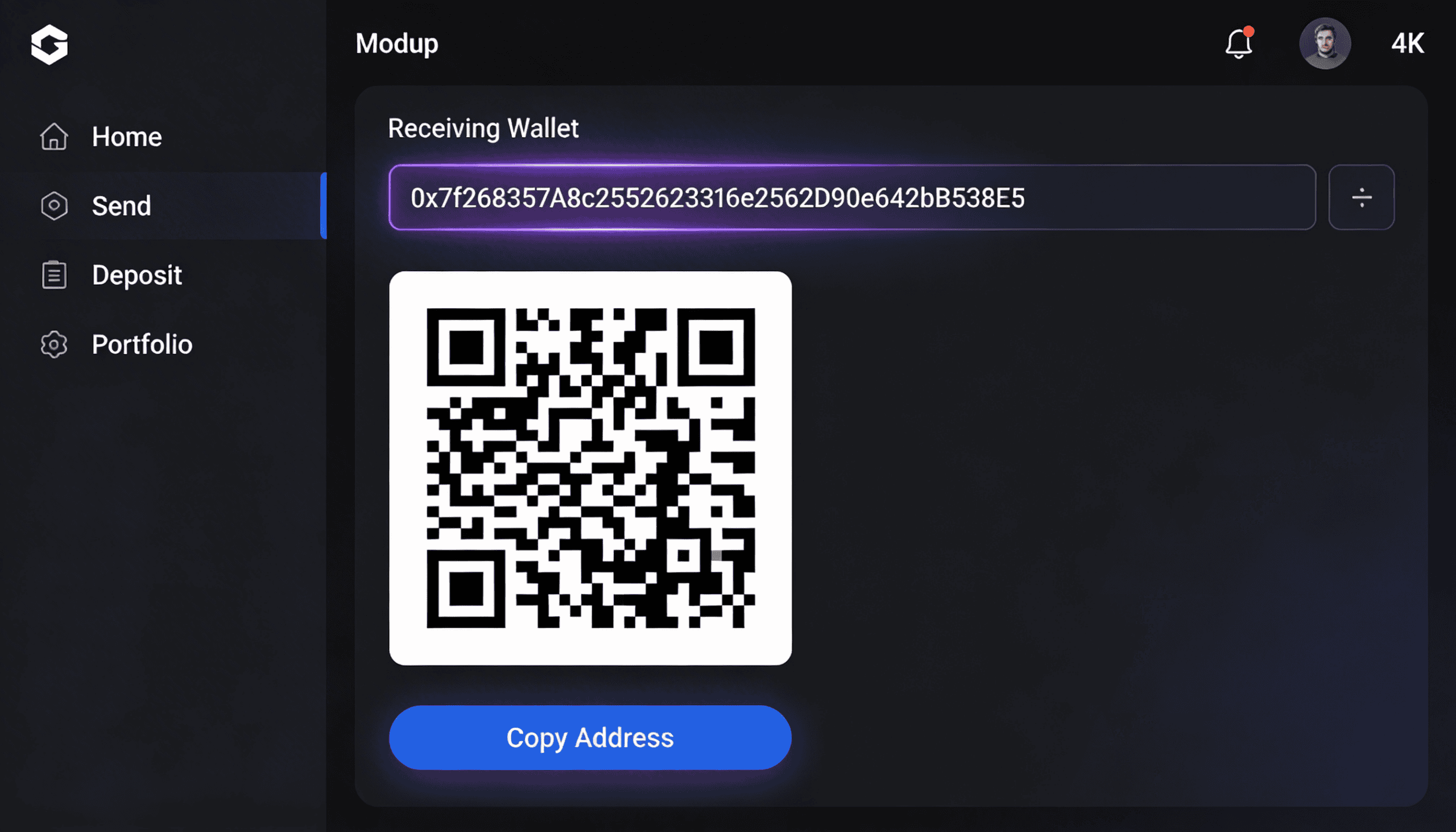
Click the Deposit button in the top navigation. Select Bitcoin from the dropdown. Stake generates a unique wallet address for your deposit. Copy that address, or scan the QR code if you’re sending from a mobile wallet. Send BTC from your exchange or personal wallet to that address.
Bitcoin deposits require network confirmation — typically 1-3 blocks, which means 10-30 minutes under normal network conditions. Sometimes you’ll see deposits land in 5 minutes if you hit a fast block. Other times, during network congestion, it could stretch to an hour. This isn’t Stake’s fault; it’s the Bitcoin network itself.
One thing most guides miss: each deposit generates a new address. If you use an old address from a previous deposit, that BTC will still arrive in your Stake account — the site watches the wallet — but it’s not the cleanest approach. Use the fresh address provided each time to keep your deposit history clear and avoid accidental mix-ups with multiple pending deposits.
The deposit page also shows you the exact number of confirmations required before Stake credits your account. Bitcoin usually needs 1-2 confirmations. That’s blockchain-level security, not a Stake rule. Once those confirmations hit, your BTC balance updates instantly.
Fastest Deposit Method: USDT (TRC20)
USDT on the TRC20 network (Tron blockchain) is the speed king for Stake deposits. Transactions confirm in seconds to minutes, often arriving in your account within 90 seconds of broadcast. Network fees are pennies — usually $0.50 to $2, sometimes less.
The trade-off is that you’re holding USDT on a less established blockchain than Ethereum. But Tron is perfectly stable, and the liquidity is there if you ever need to move funds off Stake. Most major exchanges support TRC20 USDT withdrawals, so entry and exit are frictionless.
If you’re new and want to test Stake without waiting 20 minutes for Bitcoin, USDT TRC20 is the move. Deposit, play a quick game, understand how the platform works — all in under 3 minutes from wallet to playable balance.
Here’s the real situation: TRC20 networks can bottleneck during extreme network load. It’s rare, but if Tron is experiencing a traffic spike, confirmation times can stretch to 5-10 minutes. USDT ERC20 (Ethereum) is slower but more reliable during stress periods because Ethereum’s network is larger and more decentralized.
Deposit Method Comparison: Speed, Fees, and Best Use Cases
| Cryptocurrency | Network/Version | Avg. Confirmation Time | Typical Network Fee | Minimum Deposit | Best For |
|---|---|---|---|---|---|
| USDT | TRC20 (Tron) | 30 seconds – 2 minutes | $0.50 – $2.00 | No minimum | Speed + low cost. Fastest option on Stake. |
| Litecoin (LTC) | LTC blockchain | 2-4 minutes | $0.10 – $0.50 | No minimum | Balance of speed and fees. Reliable alternative to Bitcoin. |
| Bitcoin (BTC) | BTC blockchain | 10-30 minutes | $5.00 – $30.00 (varies with network) | No minimum | Maximum security and decentralization. Best if you HODL BTC and want to avoid exchange trades. |
| Ethereum (ETH) | ERC20 | 15-45 seconds | $15.00 – $100+ (gas dependent) | No minimum | Large deposits. Fast but expensive. Avoid for small amounts. |
| USDT | ERC20 (Ethereum) | 15-45 seconds | $10.00 – $50.00 (gas dependent) | No minimum | If you already hold USDT on Ethereum. Not ideal for small deposits due to gas. |
| Dogecoin (DOGE) | DOGE blockchain | 1-2 minutes | $0.05 – $0.20 | No minimum | Extremely low fees. Good meme energy. Confirmation is near-instant. |
| XRP | XRP Ledger | 5-10 seconds | $0.01 – $0.10 | No minimum | Ultra-fast, ultra-cheap. Best for frequent small deposits or high-volume traders. |
Which Deposit Method Should You Use?
The answer depends on three things: how fast you need funds, how much you’re depositing, and which crypto you already own.
If you’re depositing under $500 and want it instantly: USDT TRC20. Costs a dollar, lands in 90 seconds, and you’re playing.
If you’re a Bitcoin holder and patience isn’t your problem: Deposit BTC directly. No exchange fees, no conversion slippage, and you maintain your long-term position.
If you’re moving large amounts ($1000+) and cost matters: Litecoin or DOGE. LTC is stable and takes 2-4 minutes. DOGE fees are absurdly low (pennies), confirmation is fast, and it’s supported everywhere on Stake.
If you need funds in the next 30 seconds and have ETH: ETH or USDT ERC20 will get you there. Just understand that gas fees on Ethereum can be $20-$100 depending on network congestion — so only use this for larger deposits where the fee doesn’t sting as much.
Stake VIP Bonuses and Deposit Scaling
Stake’s welcome structure doesn’t work like traditional casinos. There’s no deposit match bonus. Instead, you earn rakeback — a percentage of the house edge you generate gets returned to you. How much? It depends on your VIP level, which depends partly on your first deposit size.
Here’s the structure: Bronze level starts at 10% rakeback and increases on every deposit you make. Higher levels (Silver, Gold, Platinum, Diamond) scale up to 15%+ rakeback, plus access to reload bonuses and exclusive tournaments. Your first 5 deposits matter most for tier placement, but you climb through the system continuously as you bet.
The catch with VIP bonuses: they’re earned, not given upfront. Rakeback is credited daily based on the house edge you’ve generated since your last payout — so if you lose $100 and the game has a 1% house edge, you generated $1 in house edge, and at 10% rakeback you get $0.10 back. It’s not a “bonus” in the marketing sense; it’s transparent profit-sharing.
If you’re ready to test how this scales, Stake VIP Program & Rakeback Guide breaks down exactly how much you’ll earn at each tier based on your betting volume.
Fiat Deposits via MoonPay (Credit Card)
Not a crypto holder yet? Stake accepts credit and debit card deposits through MoonPay, a third-party payment processor. Select the MoonPay option on the deposit page, enter your card details, choose your currency (USD, EUR, GBP, etc.), and Stake credits your account instantly. The fees are higher than crypto — typically 4-5% of the deposit amount — and there are daily limits depending on your card’s verification level.
MoonPay handles the card processing and conversion to crypto on Stake’s end, so your deposit lands as BTC or USDT automatically. No waiting on blockchain confirmations. The upside is speed and simplicity. The downside is cost and KYC requirements — MoonPay will ask for ID verification if you’re depositing over certain thresholds.
For new players testing the platform with $20-$50, MoonPay is convenient. For larger deposits, sending crypto from an exchange is cheaper. For regular deposits, crypto is always the play.
Stake Deposit Issues: Troubleshooting Guide
Most deposit problems fall into three categories: the address was wrong, the network is congested, or something glitched on Stake’s end. Here’s how to diagnose each.
Deposit Not Showing After 30 Minutes
First: Verify you sent to the correct address. Check your sending wallet’s transaction history and confirm the receiving address matches exactly what Stake gave you. Blockchain addresses are case-sensitive; a single character wrong and the transaction fails or gets rejected by Stake’s system.
Second: Check the blockchain confirmation count. Go to a block explorer (blockchain.com for Bitcoin, tronscan.org for USDT TRC20, etherscan.io for Ethereum) and search your transaction hash. If you see 0 confirmations, your transaction is still pending on the network — wait. If you see 1+ confirmations and Stake hasn’t credited you, screenshot the transaction and contact Stake support with the hash.
Third: Understand network congestion. During Bitcoin bull runs or crypto market chaos, blocks can take 30-60 minutes to confirm. This is normal. Stake isn’t holding your funds; the network is processing slowly. USDT TRC20 rarely has this issue, but Ethereum can experience brutal gas spikes that slow confirmation.
Small Deposit Amount Rejected
This is usually due to network fees exceeding the deposit amount. If you’re sending $2 worth of Bitcoin and the fee is $8, your wallet will reject the transaction. The fix is straightforward: add more crypto or switch to a cheaper network. USDT TRC20 or Litecoin eliminate this problem entirely.
Deposit Sent But Address Changed
Stake generates a new deposit address each session. If you sent BTC to an old address from yesterday, it will still arrive in your account — Stake monitors all generated addresses for incoming funds. The transaction won’t fail; it just might take longer because Stake has to manually verify the incoming transfer is legitimate. Live chat can speed this up if you provide the transaction hash.
Why Your Deposit Might Be Pending or Not Showing
Here’s a flowchart decision tree to diagnose deposit issues:
Step 1: Did you copy the address correctly? If no, the transaction failed or went to the wrong wallet. Check your sending wallet’s transaction history to confirm where it went. If yes, proceed to Step 2.
Step 2: How long has it been since you broadcast the transaction? If less than 5 minutes, wait — Bitcoin and Ethereum need time to confirm. USDT TRC20 should land by now. If more than 30 minutes, proceed to Step 3.
Step 3: Check the blockchain explorer (blockchain.com, tronscan.org, or etherscan.io depending on your coin). Search your transaction hash. How many confirmations? Zero = the network is still processing. 1+ = should be in your Stake account. If 1+ confirmations exist but Stake hasn’t credited you, screenshot and open a live chat support ticket with the transaction hash.
Step 4: If nothing works, contact Stake support directly with the transaction hash and timestamp. They can manually verify the incoming transaction and credit your account if there was a processing error. This is rare, but it happens.
One thing most guides miss: network status matters. If Stake’s deposit processing is temporarily down (rare, but it happens during platform maintenance), your transaction will confirm on-chain but won’t appear in Stake until the system is back up. Check Stake’s status if you’re in a waiting loop.
Zero Minimum, No Deposit Fees — But You Still Need to Know This
Stake advertises zero deposit fees and no minimums, which is 100% true. What they don’t emphasize is that blockchain network fees still exist and are your responsibility. If you’re withdrawing $1 to test the system, expect to lose $0.50 to network fees on Bitcoin — that $1 becomes $0.50 after the fee. Plan accordingly.
Also: Stake’s deposit speeds are only as fast as the blockchain. If Bitcoin is congested, your BTC deposit will be slow regardless of how fast Stake’s servers are. This is why experienced players have multiple deposit options ready.
Deposit limits on Stake are high. There’s no daily maximum that would realistically affect most players — Stake is designed for whales and experienced players, so they assume large volume. KYC requirements kick in based on your location and jurisdiction, but Stake doesn’t restrict deposits arbitrarily.
One more thing: if you’re in a jurisdiction where Stake restricts access (most of Europe, parts of North America), attempting to deposit via VPN or proxy will fail during KYC verification. Stake’s compliance system is solid. Don’t try to circumvent it; instead, check if alternative platforms like BC.Game are accessible in your region.
How Stake Deposits Compare to Competitors
Most crypto casinos charge deposit fees — usually 0.5% to 2% of the amount. Stake charges zero. That’s the main edge. Processing times are roughly the same across platforms because they’re all tied to blockchain speed — USDT TRC20 lands in 2-3 minutes whether you use Stake, BC.Game, or Roobet.
The real difference is what happens after deposit. Stake’s rakeback system rewards you continuously based on wagering volume. BC.Game offers a 20% welcome bonus but it has a 35x playthrough requirement. Roobet has weekly reloads but lower rakeback scaling. If you’re comparing pure deposit experience, Stake wins on fees and transparency. If you’re comparing total rewards, it depends on how much you plan to bet.
For a detailed breakdown, Stake vs BC.Game: Deposits & Withdrawals Compared digs into how each platform structures bonuses and handles withdrawal speeds.
Security and Blockchain Verification
Every deposit on Stake is verified against the public blockchain. Stake doesn’t hold your funds during confirmation — the blockchain does. Once your transaction hits the required confirmations, Stake’s system cross-references the blockchain record and credits your account. This is why Stake is transparent about confirmation times; they have zero control over it.
If you’re paranoid about security (good instinct), you can verify your own transaction independently. Use a block explorer to confirm the funds left your wallet and arrived at Stake’s address. No middleman, no trust required — just math and cryptography.
One edge case: if Stake’s address for a specific coin is ever compromised (extremely unlikely, but possible in catastrophic security events), Stake’s insurance policy and cold storage mechanisms mean player funds are protected. The site backs deposits with audited reserves. That said, this hasn’t happened in Stake’s history.
For more on how Stake’s security and fairness systems work, check How Stake Provably Fair Works — it covers the cryptographic verification of games, which is a separate system from deposits but equally important for trust.
Responsible Gambling and Deposit Limits
Stake allows you to set deposit limits in the responsible gambling settings. You can cap daily, weekly, or monthly deposits at any amount. This is a real tool, not window dressing — it enforces hard limits on how much you can fund per period.
If you’re managing a bankroll (which you should be), set a weekly deposit limit and stick to it. Calculate how many units you’re comfortable risking per week, set that as your limit, and treat every deposit like it’s your last until the week resets. This single practice prevents degen spirals more than anything else.
Stake also lets you self-exclude, take breaks, or reduce your limits with no penalty. If betting is causing stress, use these tools. They’re built in for a reason.
Gambling involves risk. Never bet more than you can afford to lose. If you need support, visit BeGambleAware.org or contact a local helpline.
Frequently Asked Questions
What’s the fastest way to deposit on Stake?
USDT on TRC20 network. Confirmation takes 30 seconds to 2 minutes, fees are under $2, and your account balance updates almost instantly. XRP is even faster (under 10 seconds) but less commonly held.
Does Stake charge deposit fees?
No. Stake doesn’t take a cut. You only pay network fees set by the blockchain — $0.50 for USDT TRC20, pennies for Litecoin or DOGE, and $5-$30 for Bitcoin depending on network congestion.
What’s the minimum deposit amount on Stake?
There is no minimum. Theoretically $1, but in practice the blockchain network fee becomes your effective minimum. Deposits under $5 are pointless because fees will exceed your balance.
Why is my Bitcoin deposit taking so long?
Bitcoin blocks take 10 minutes on average to confirm. During network congestion (bull markets, high volume), blocks fill up and can take 30-60 minutes. Stake can’t speed this up — it’s a blockchain issue. Use USDT TRC20 next time if speed is critical.
Can I deposit with a credit card on Stake?
Yes, through MoonPay. Credit card deposits are instant but cost 4-5% in fees and require ID verification. Crypto deposits are free but require you to own crypto already.
What happens if I send crypto to the wrong address?
If the address doesn’t exist in Stake’s system, the transaction fails and funds return to your wallet. If you send to a valid but different address (old address, another exchange, etc.), those funds go there and Stake won’t credit your account. Always use the fresh address generated on the deposit page.
Is Stake’s deposit address the same every time?
No. Stake generates a new address for each deposit session. Old addresses still work (Stake monitors them), but using the current address is cleaner for record-keeping. Each address belongs to you and funds sent there go to your account.
Does Stake deposit speed affect my rakeback calculation?
No. Rakeback is calculated on house edge from bets, not on how fast you deposit. A 2-minute deposit and a 30-minute deposit earn the same rakeback at the same VIP level.
Can I deposit from a DEX or non-KYC wallet?
Yes, any wallet works. Stake doesn’t care where your crypto comes from — only where it goes. Once it lands in your Stake account, you can play immediately. KYC applies to withdrawals in some jurisdictions, not deposits.
What’s the difference between TRC20 and ERC20 USDT?
TRC20 USDT is on the Tron blockchain — faster (2 minutes), cheaper (under $1 fee). ERC20 USDT is on Ethereum — slower (15-45 seconds due to network speed, though confirmation takes longer in reality) but has higher gas fees ($10-$50). Use TRC20 unless you already hold ERC20.

Secod has streamed and tested games on Stake extensively, giving him direct insight into the platform’s bonuses, features and gameplay conditions. His experience ensures every Stake review reflects real usage rather than surface level analysis.
Other Stake Deposit
How to Deposit on Stake: Methods, KYC Levels & Processing Times 2024
February 10, 2026
How to Deposit on Stake: Crypto Methods, Fees & Step-by-Step Guide
February 6, 2026
How to Deposit on Stake: Crypto, Credit Card & MoonPay Guide 2024
February 6, 2026
Why Your MoonPay Deposit Failed: Fixes & Next Steps
February 2, 2026
How to Deposit on Stake: Methods, Steps & Requirements
February 2, 2026